What is an “Extra Item”?
Extra Item is anything that can be purchased by customers while making a booking. Extra items can be consumable products such as mineral water or rented items such as rackets, grips, etc. When adding extra items, you also need to determine the prices which already included their VAT.
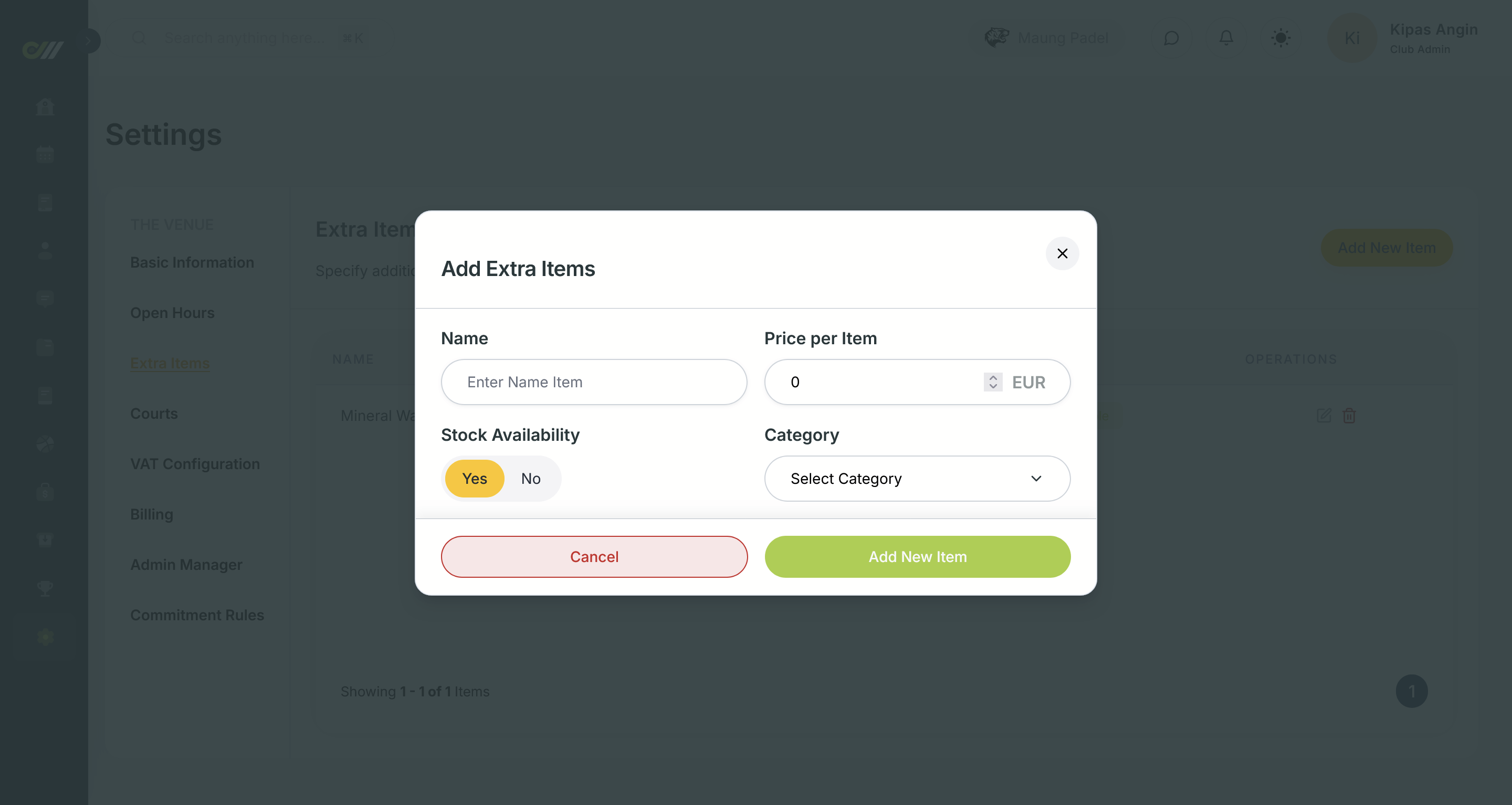
Add New Extra Item
- Open the Settings page and then go to Extra Item menu
- Click the Add New Item button
- Fill in the form and save it by clicking the Add New Item button
- Open the Settings page and then go to Extra Item menu
- Find the item you want to change, in the operation column click on the edit icon ✏️
- Change the information as needed
- Don't forget to save by pressing the Edit Item button
Delete an Extra Item
- Open the Settings page and then go to Extra Item menu
- Find the item you want to delete, in the operations column click on the delete icon 🗑️
- Confirm the deletion by clicking the Delete button